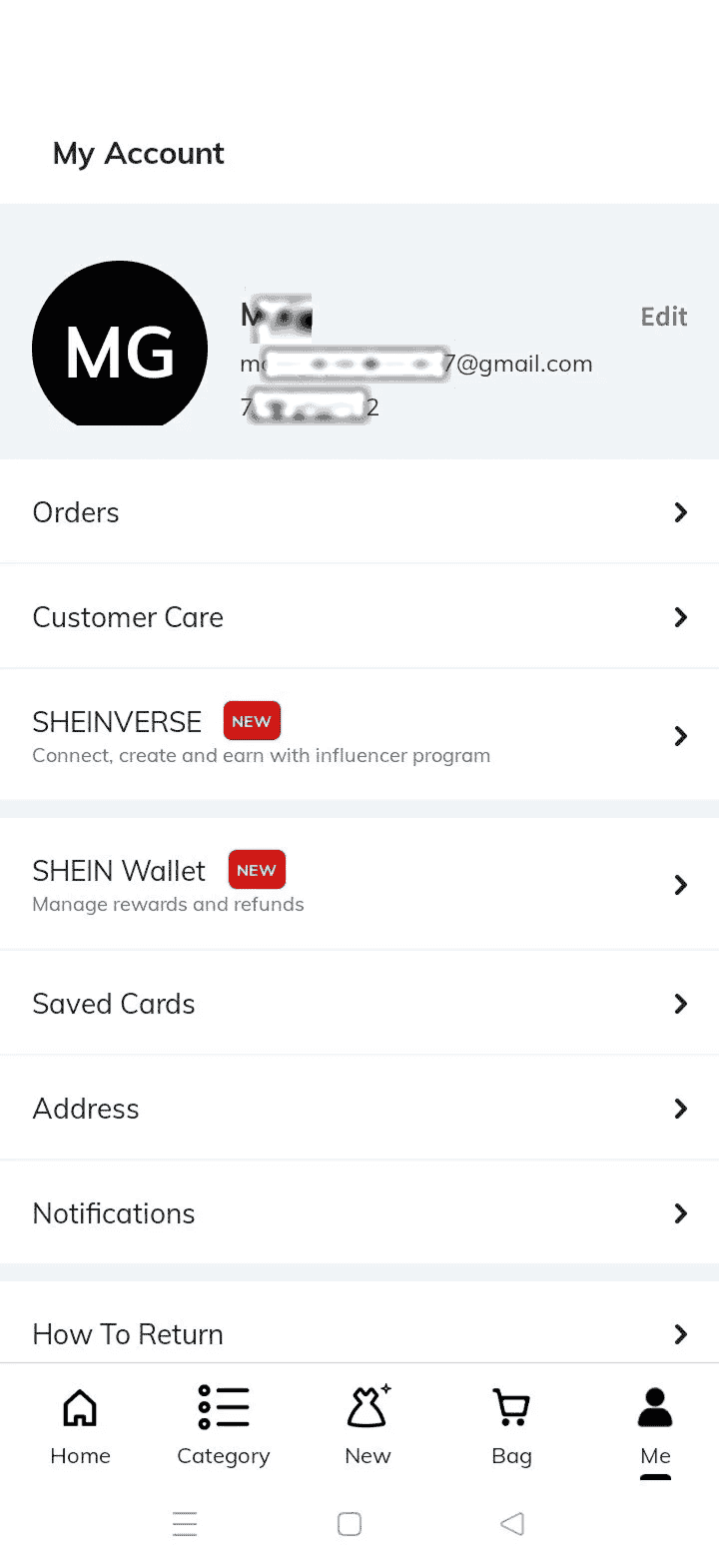
Demo 1: SHEIN Profile
Open the My Account page in the SHEIN app and take a full-screen screenshot showing your registered phone number.
Follow the three simple steps below. Create your SHEIN account, connect your Instagram account in Sheinverse, and upload the required screenshots for verification.
Install or open the SHEIN app, create your account, then go to Sheinverse and connect a public professional Instagram account.
Use the examples below as a guide. Your screenshots must be taken from the same pages, with all required details clearly visible.
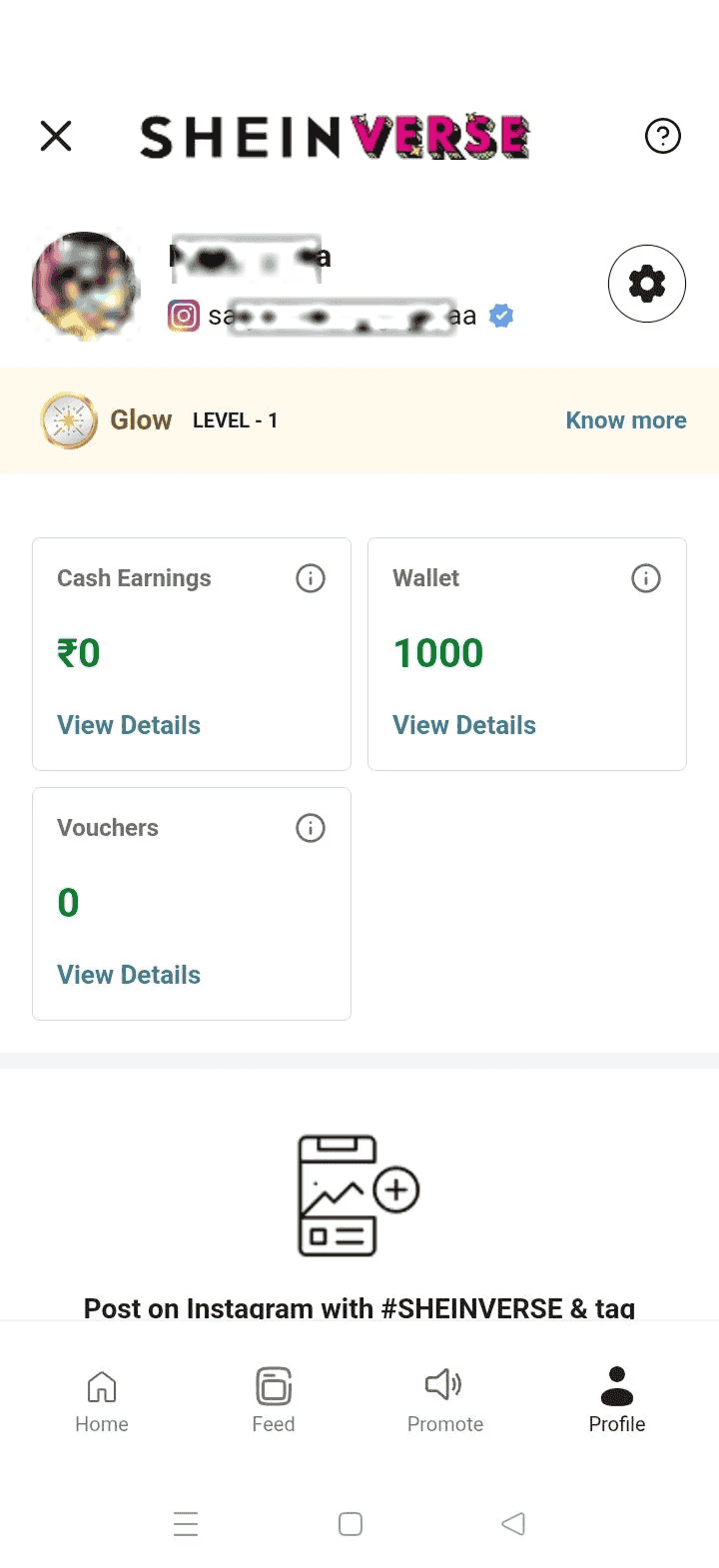
Upload the two screenshots you just took. Make sure they are clear, complete, and match the examples above.
Your screenshots have been submitted successfully and are now pending review. Keep your Submission ID for reference. The voucher will be issued after approval.